How Much Time Do Employees Spend on Screens at Work? The Real Screen-Time Benchmark
Payroll says 40 hours. Telemetry says half that is real activity. The monitors say 99.2. The three clocks of employee screen time — and the eye-strain tax nobody budgets — reconciled with primary data.
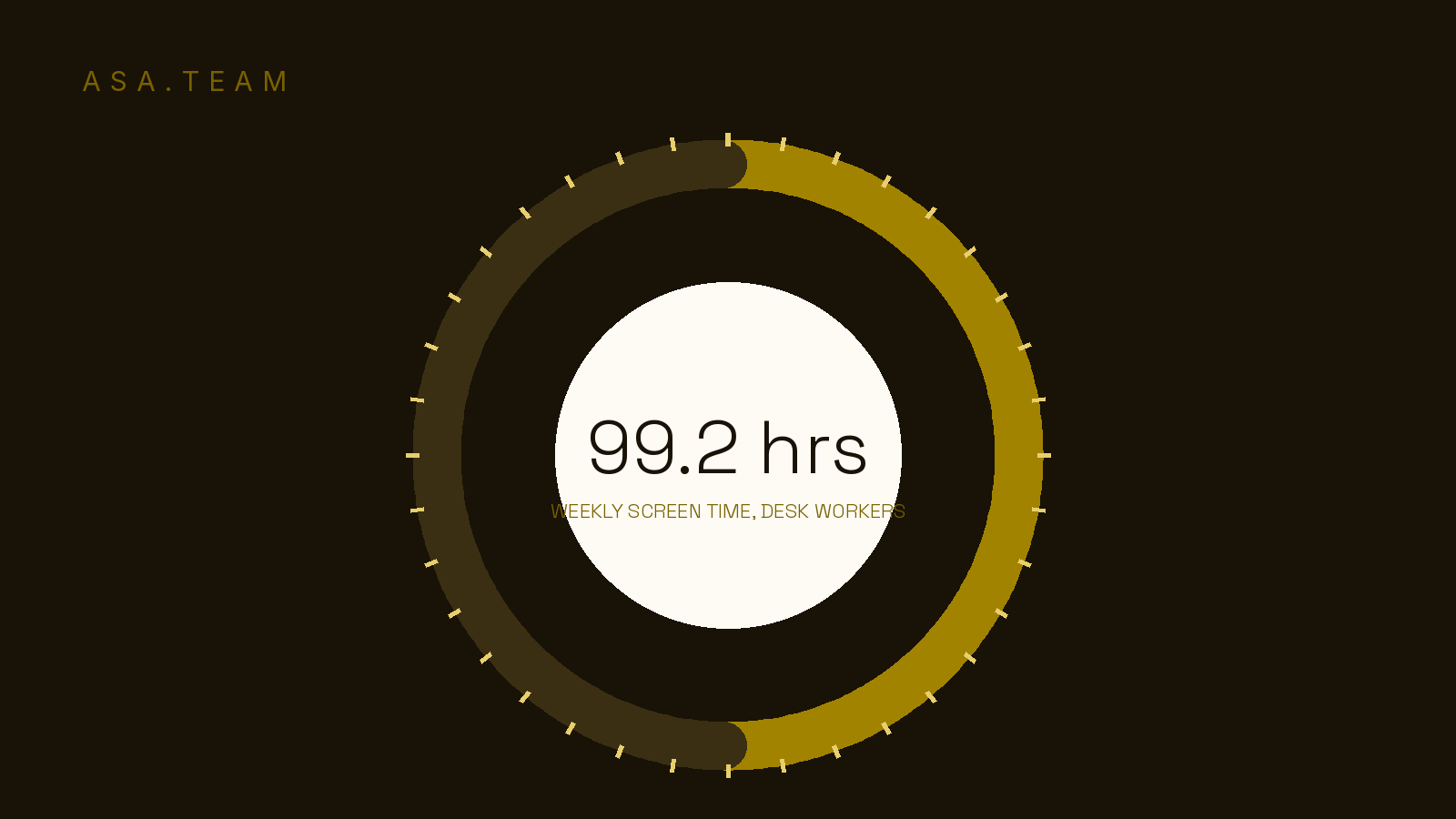
How much time do employees spend on screens at work? Ask three instruments and you get answers that differ by more than a factor of two. Payroll says 40 hours. The official time-use survey says a little over 40. The monitors themselves say something closer to 100 — and none of them are lying. They measure different things, and the gap between them is where your team's real fatigue, eye strain, and quiet productivity loss are hiding.
This matters because screen time is the new overtime. Nobody approves it, nobody clocks it, and most leaders have no idea it is running. Here is what each clock actually measures, why they disagree, and what the honest number should change about how you run a distributed team.
The 99-hour week: what desk workers report about their own screens
In February 2026, VSP Vision Care and research firm Workplace Intelligence released the third annual Workplace Vision Health Report, surveying 1,200 full-time employees and 800 HR and benefits leaders across U.S. organizations. The headline finding: desk workers now log 99.2 hours of screen time per week, up from 97 hours the year before.
Pause on that number, because it is impossible until you unpack it. There are only 168 hours in a week. If someone sleeps eight hours a night, they are awake 112 — and the survey found desk workers spend 93% of their weekday waking hours looking at a screen. Work screens bleed into phones at dinner, laptops on the couch, tablets in bed.
Two details raise this above a typical vendor stat. The trend moved the wrong way — 97 to 99.2 hours in a single year, compounding rather than fading. And non-desk workers, surveyed for the first time, reported 87.6 hours a week too: nurses on terminals, teachers on digital platforms, supervisors on dashboards. Screen exposure is not a desk problem anymore. It is a work problem.
The remote-versus-office gap is worth pinning down, because the folklore gets it wrong in both directions. VSP's 2024 workforce data, compiled in this 2026 research roundup, puts remote and hybrid workers at about 7 hours of work-related screen time per day versus 5.5 hours for on-site employees. Remote work did not invent heavy screen exposure, but it concentrated it: the screen became the office, the meeting room, and the time clock.
The measured clock: what telemetry says teams actually do
Self-reported screen time has an obvious weakness — people include the laptop sitting open on the kitchen counter. So let's switch to an instrument that doesn't ask anyone's opinion. WorkTime, an employee-activity company, analyzes anonymized keyboard, mouse, and application telemetry across its user base, and its 2024–2025 computer usage report produces a humbler number than the surveys.
The core finding: the average employee is actively using the computer for 52% of the working day. Of that active time, 49% of the total day is productive application use and 3% is unproductive (the report's global #1 distraction: YouTube, in five of six countries measured). The other 48% of the workday is idle time — computer on, nobody really there. No keystrokes, no mouse movement.
Read the two reports back to back and the picture gets uncomfortable. Half the "screen at work" experience is a screen that is on but not being used — and a large slice of that idle time is not lunch. It is the person waiting on a reply in a channel, tab-switching through project tools for the current version, or re-reading a paragraph after another ping broke their focus. WorkTime's hourly curve — activity peaking 9 AM to 3 PM, sagging on Friday — is the shape of energy spent chasing context, not creating it. The interruption-rate benchmark covers the anatomy of that ping-driven day; interruption and idle time are the same disease viewed from two monitors.
The official clock — and the table that reconciles all three
The third instrument is the government's. The Bureau of Labor Statistics American Time Use Survey — diary-based, so it measures what people did hour by hour rather than what they estimate — finds full-time employed people worked an average of 8.1 hours on days they worked in 2025, and 8.5 hours on an average weekday. Call it 40 hours a week of actual work.
So the three clocks disagree like this:
| The clock | Weekly figure | What it actually measures | Source |
|---|---|---|---|
| Payroll / official work | ~40 hrs | Hours worked, diary-recorded | BLS ATUS 2025 (8.1 hrs/day) |
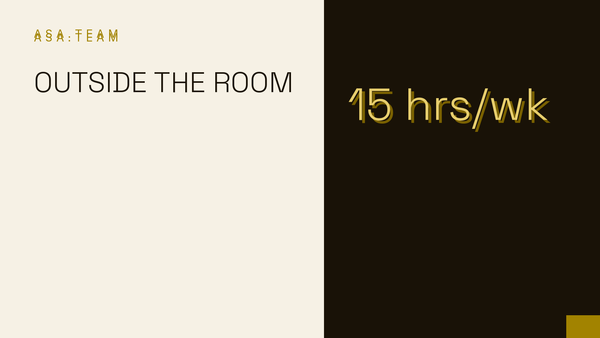
| Machine telemetry | ~21 hrs | Active keyboard/mouse use (52% of the workday) | WorkTime 2024–2025 |
| Self-reported exposure | 99.2 hrs | All screen viewing, work and personal | VSP / Workplace Intelligence 2026 |
Nothing here is fake. Work is 40 hours. The computer registers real engagement for roughly half a workday — call it 20 to 22 hours. And the screen is on, in view, pulling attention for nearly 100. The honest benchmark answer to "how much time do employees spend on screens at work" is therefore a range with a shape: about 40 hours of work, about 21 hours of measured activity, and about 99 hours of exposure, of which the work-attributable slice runs 30 to 40 hours for remote employees. The exposure clock is the one almost nobody watches — and the one that drains the battery.
The eye-strain tax: the productivity line item nobody budgets
"71% of desk workers experienced screen-related visual discomfort... it reduces their productivity at work by 18.6% on average — the equivalent of 7.4 hours a week, nearly one full workday." — VSP Vision Care / Workplace Intelligence, 2026
That is where screen time stops being a wellness poster and becomes a P&L line. In the VSP report, 71% of desk workers said screen-related visual discomfort — tired eyes, blurred vision, trouble re-focusing — affects them, and those experiencing it estimate it costs them 18.6% of their productivity. That is 7.4 lost hours a week per affected worker, nearly an entire workday delivered to eye strain and handed to no one.
The clinical literature agrees the mechanism is real. A research line summarized in the 2026 roundups above notes that adults who spend three or more hours daily on computer screens develop some form of computer vision syndrome at rates around 90%, and the American Optometric Association treats sustained screen work as an occupational exposure with named mitigations. The spillover is measurably worse after hours: four or more hours of screens before bed correlates with roughly 50% higher insomnia risk, which feeds straight back into next-day fatigue. The same always-on behavior we quantified in the after-hours email benchmark is the mechanism here — the phone in the pocket is the screen that never clocks out. And there's an absenteeism bill: one in four workers reported taking time off for screen-related discomfort, averaging 4.5 days a year.
Against all of that, the organizational response is thin. Only 34% of workers say their company encourages eye breaks and 32% say they offer any education on visual discomfort — while 87% of the surveyed HR leaders admitted their company should be doing more. That gap between knowing and acting is the story: screen exposure is now the most-unmanaged input into team performance.
Why the exposure clock runs when nobody is watching
Leaders do not approve a 99-hour screen week, so how does it happen? Screen time is rarely the work itself — it is the price of finding out what's happening. The channel-hopping tax is well documented: Teams alone eats an hour or more of the workday for the typical user, Slack adds another slice, and the project tool, email client, and group chats each demand their own patrol rounds. Compare that against our productive-hours benchmark and the arithmetic is sobering: real heads-down output already fits into a few genuine hours a day, and exposure hours multiply around it.
Three forces keep the exposure clock running: monitoring anxiety (managers watching green dots instead of outcomes), response-time theater (being seen available rather than being useful), and status-hunting — refreshing five tools to answer a question nobody can answer quickly from any one of them. Each is a management-design failure masquerading as a personal-screen-habit problem. Telling people to take eye breaks while asking them to stay visible in six apps treats the symptom and guards the cause.
What good looks like: cut exposure, not wellbeing
The teams that fix this don't lecture people about blue-light glasses. They shrink the amount of screen time the job demands just to stay informed. A good bar looks like this: status questions answered in minutes without a meeting, decisions find the people who need them instead of the other way around, and nobody maintains a second job updating trackers. The 20-20-20 rule still matters at the margin — every 20 minutes, look 20 feet away for 20 seconds, per the AOA — but rules for eyeballs don't fix a job design that pins them down.
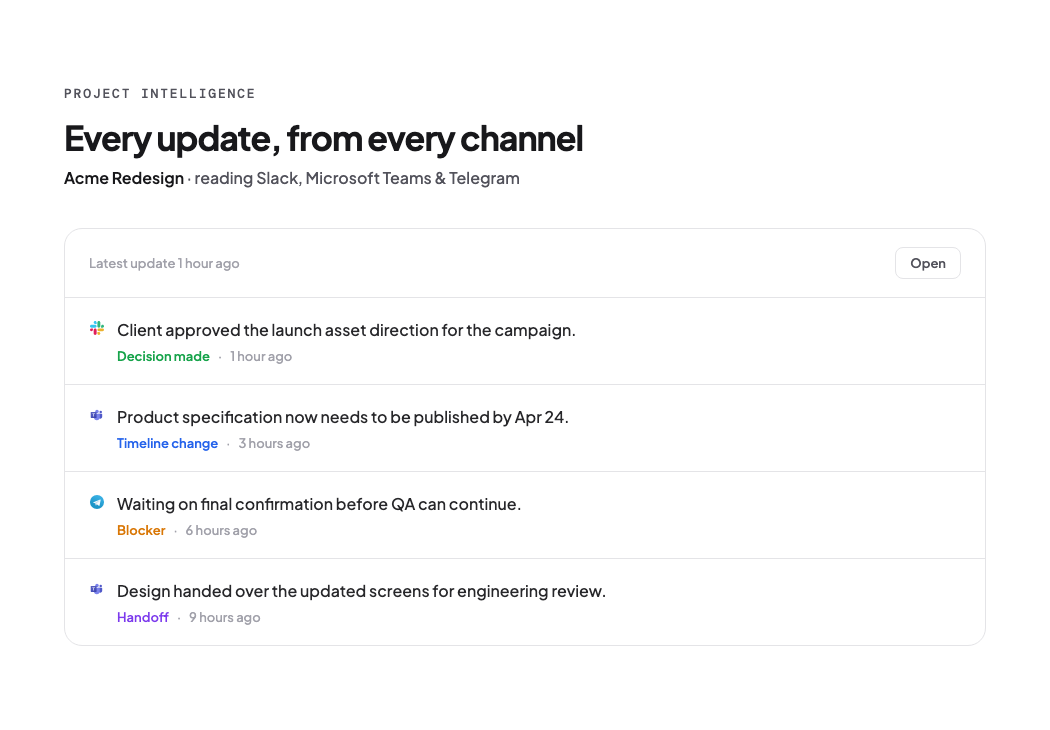
This is exactly the job Project Intelligence was built for. Instead of every team member patrolling Slack, Teams, Telegram, and WhatsApp to reconstruct what's happening, Asa.Team watches those channels and surfaces the actual project updates — progress, blockers, decisions — in one digestible picture, so a leader can get the real status in minutes and everyone else can close a tab instead of keeping five open as insurance. Less status-hunting means fewer exposure hours per person per day, by construction: the information moves, not the attention.
If you run a distributed team, ask one question this quarter: how many screen-hours does it take to answer "where does this project actually stand?" If the honest answer involves four apps and two check-ins, you are paying the 99-hour tax and calling it collaboration.
Frequently Asked Questions
How many hours a day do employees look at a screen for work? Work-attributable screen exposure averages about 7 hours a day for remote and hybrid employees and 5.5 hours for on-site employees, per VSP Vision Care survey data. Total screen time including personal devices is far higher, which is how desk workers reach ~99 hours per week.
How much of the workday are people actually using their computers? Telemetry from WorkTime's 2024–2025 study shows active keyboard/mouse use for about 52% of the working day, with 48% of the day idle — the computer on but untouched.
Is screen time worse than sitting for employee health? They are separate exposures. The documented screen-specific harms are digital eye strain, visual-discomfort-driven productivity loss of ~18.6% for affected workers, and sleep disruption from evening use.
Do companies manage employee screen time at all? Mostly not. In the 2026 Workplace Vision Health Report, only about a third of workers said their employer encourages eye breaks or offers guidance on screen discomfort, while 87% of HR leaders said their company should do more.
The number worth managing
How much time do employees spend on screens at work? Payroll will say 40 hours; the diary agrees; the machine says half that is real activity. And the screens keep a quiet ledger near 100 hours a week. All true — but only the last one describes what your team is actually living inside, and only the last comes with an itemized bill: 71% of desk workers in discomfort, nearly a workday of lost productivity every week, one in four taking sick days for it, and an HR majority admitting nobody is running the number.
So the question for founders and team leads is no longer whether your team is "working." They are. The question is how much of the exposure is the work and how much is the cost of finding out about the work — because that ratio is fully within your control. Cut the hunting, and the screen week gets shorter, sharper, and human. Ask what your people's exposure clock reads. Most teams, once they can see it, can't unsee it.