
120 Out-of-Office Message Templates (Copy and Paste)
Need a fast out-of-office reply you can use right now?
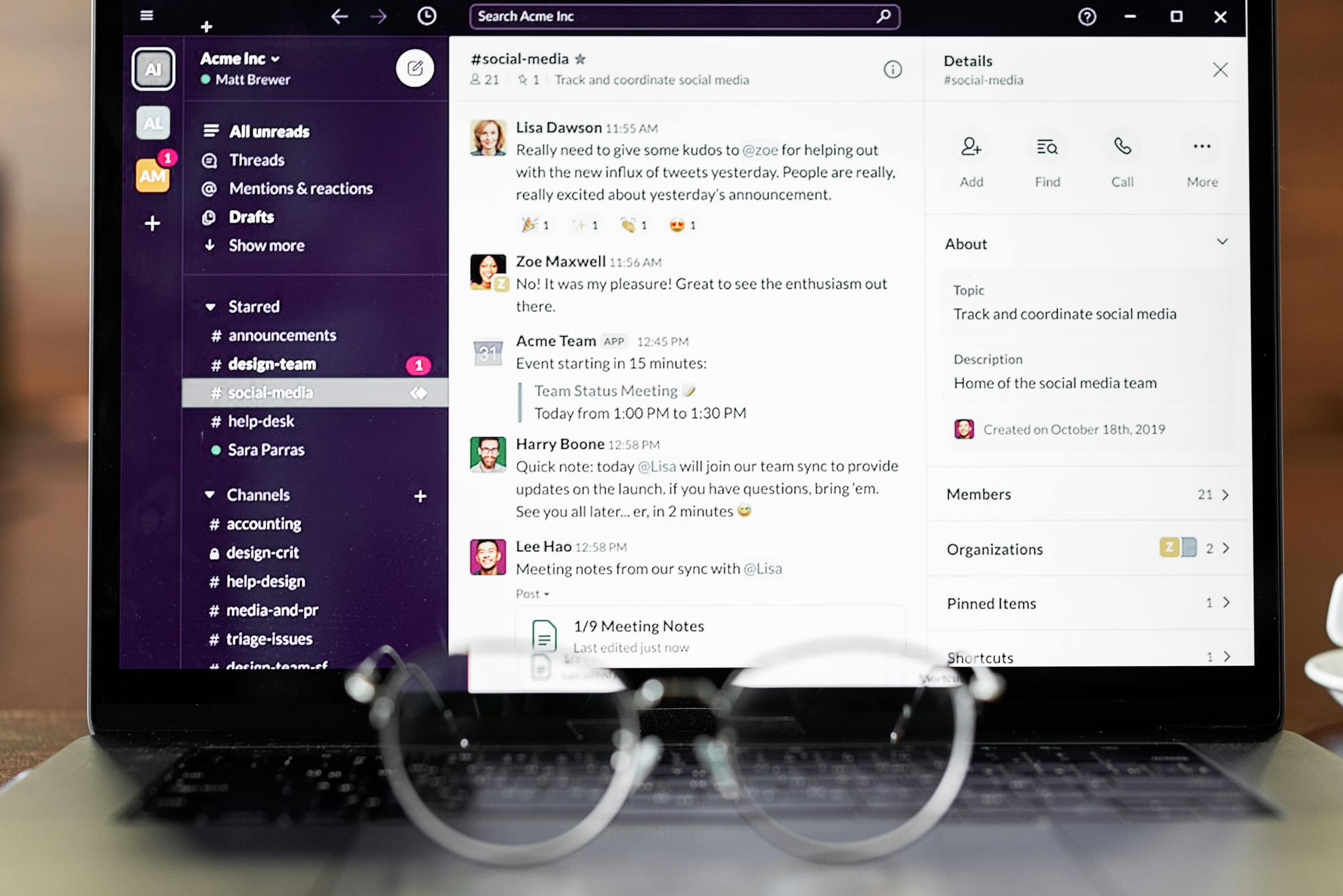
This guide gives you 120 copy-and-paste out-of-office message templates for email, Slack, and Microsoft Teams. Use them as-is or edit one line and send.
Quick Copy: Most-Used Out-of-Office Templates
1) Standard professional
Hi, thanks for your message. I’m currently out of office and will return on [DATE]. I’ll respond as soon as possible when I’m back.
2) With backup contact
Hi, I’m out of office until [DATE] with limited access to email. For urgent matters, please contact [NAME] at [EMAIL/PHONE].
3) Vacation version
Thanks for your email. I’m away on vacation until [DATE] and won’t be checking messages regularly. I’ll get back to you after I return.
4) Short and direct
Out of office until [DATE]. I’ll reply when I’m back.
5) Customer-facing
Thank you for contacting [COMPANY]. I’m currently away until [DATE]. For immediate assistance, please contact [TEAM/EMAIL].
How to Write a Good Out-of-Office Message
A strong out-of-office message has five parts:
- You’re away
- Return date
- Response expectation
- Backup contact (if needed)
- Optional urgent path
Use this formula:
OOO Message = Away Notice + Return Date + Expectations + Backup Contact
120 Copy-and-Paste Out-of-Office Message Templates
A) General Professional (1–20)
- Thank you for your message. I’m out of office until [DATE] and will respond when I return.
- Hi, I’m currently away and will be back on [DATE]. I appreciate your patience.
- I’m out of office with limited email access until [DATE]. I’ll reply as soon as I can.
- I’m away from [DATE] to [DATE] and will respond once I’m back.
- Thanks for reaching out. I’m out today and will respond on [DATE].
- I’m currently out of office and returning [DATE]. I’ll follow up then.
- I’m away at the moment and will reply after [DATE].
- I’m out of office through [DATE]. Thank you for your understanding.
- I’m unavailable right now and will be back on [DATE].
- I’m away from work and will respond after [DATE].
- Thank you for your email. I’m out of office until [DATE] and will get back to you soon.
- I’m currently away and have limited email access. I return on [DATE].
- I’m out of office and will respond to your message when I’m back on [DATE].
- I’m unavailable today and will respond on [DATE].
- I’m out of office for the day and will get back to you tomorrow.
- I’m away this week and will return on [DATE].
- I’m out of office and not monitoring email regularly until [DATE].
- I’m currently offline and will respond after [DATE].
- I’m out until [DATE]. I appreciate your patience.
- Thanks for your note—I’m away and will respond once I’m back on [DATE].
B) Vacation Out-of-Office (21–40)
- I’m on vacation until [DATE] and will reply when I return.
- Thanks for your message. I’m currently on annual leave until [DATE].
- I’m out on vacation and won’t be checking email often. Back on [DATE].
- I’m taking time off until [DATE]. I’ll respond as soon as I return.
- I’m currently out for vacation and returning [DATE].
- I’m away on leave through [DATE] with limited connectivity.
- I’m out of office on vacation until [DATE]. For urgent requests, contact [NAME].
- I’m on leave from [DATE] to [DATE]. I’ll follow up after that.
- I’m away recharging and will be back on [DATE].
- I’m on PTO until [DATE]. I’ll respond once I’m back online.
- I’m out on holiday and return on [DATE]. Thanks for your patience.
- I’m currently on vacation and unavailable until [DATE].
- I’m taking a short break and will return to email on [DATE].
- I’m away from the office until [DATE]. I’ll get back to you upon return.
- I’m on annual leave and will respond after [DATE].
- I’m out this week and return Monday, [DATE].
- I’m currently on vacation with minimal email access until [DATE].
- I’m away and will reply after [DATE]. For urgent support, contact [EMAIL].
- I’m on planned leave until [DATE]. Thank you for understanding.
- I’m currently out on vacation and will catch up on messages after [DATE].
C) Sick Leave / Medical Leave (41–55)
- I’m currently out of office on sick leave and will respond when I’m able.
- I’m away due to medical leave and have limited access to email.
- I’m out of office for health reasons and will follow up as soon as possible.
- I’m currently unavailable and expect to return on [DATE].
- I’m out on sick leave through [DATE]. For urgent requests, contact [NAME].
- I’m temporarily offline and will reply once I’m back.
- I’m away from work and not checking messages regularly.
- I’m currently on medical leave. Please contact [TEAM/EMAIL] for immediate support.
- I’m out today due to illness and may have delayed responses.
- I’m currently unavailable and expect to resume normal response times on [DATE].
- I’m away on short-term leave and will respond when I return.
- I’m out of office and unable to respond promptly at this time.
- I’m currently offline due to personal health leave.
- I’m out and will follow up when I’m back online.
- I’m on leave and may not respond until [DATE].
D) Holiday Period Templates (56–70)
- Happy holidays! I’m out of office until [DATE] and will respond after I return.
- Thanks for your message. I’m away for the holiday break until [DATE].
- I’m out for the holidays and will be back on [DATE].
- Our office is on holiday schedule until [DATE]; responses may be delayed.
- I’m currently offline for the holiday period and will reply on [DATE].
- I’m out of office during the holidays and will respond when operations resume.
- I’m away for the festive break until [DATE].
- I’m taking holiday leave and will return on [DATE].
- I’m out through the holiday week and will reply next business day.
- Season’s greetings—I’m currently out and back on [DATE].
- I’m currently unavailable due to holiday closure; back [DATE].
- I’m away for year-end holidays and will respond after [DATE].
- I’m out on holiday and have limited email access.
- I’m currently out celebrating with family and return on [DATE].
- I’m away this holiday season and will follow up once I return.
E) With Backup Contact / Escalation Path (71–85)
- I’m out until [DATE]. For urgent issues, contact [NAME] at [EMAIL].
- I’m away with limited access to email. Please reach out to [NAME] for immediate help.
- I’m out of office through [DATE]. For time-sensitive matters, contact [TEAM].
- I’m currently unavailable. For urgent support, email [SUPPORT EMAIL].
- I’m away until [DATE]. If this is urgent, please call [PHONE].
- I’m currently out. For approvals, contact [MANAGER NAME].
- I’m unavailable right now. For project updates, contact [PROJECT LEAD].
- I’m out of office. For customer requests, contact [CS TEAM EMAIL].
- I’m away and may not respond quickly. For urgent help, contact [NAME].
- I’m offline until [DATE]. For immediate assistance, contact [BACKUP].
- I’m currently out and not checking inbox frequently. For urgent items, reach [NAME].
- I’m out today; please route urgent requests to [TEAM CHANNEL/EMAIL].
- I’m away until [DATE]. For billing matters, contact [BILLING EMAIL].
- I’m out of office. For technical issues, contact [IT HELP DESK].
- I’m away; urgent escalations should be sent to [ESCALATION CONTACT].
F) Internal Team / Slack / Teams Away Messages (86–100)
- OOO until [DATE]. Ping [NAME] for urgent items.
- Out today—back tomorrow. For urgent issues, contact [NAME].
- On leave until [DATE]. Limited Slack responses.
- Away this afternoon. I’ll pick this up tomorrow.
- AFK for appointments, back by [TIME].
- OOO this week. Please post urgent blockers in [CHANNEL].
- Out sick today. Might be slow to respond.
- On PTO until [DATE]. For approvals, tag [NAME].
- Offline for deep work until [TIME].
- Away at client meetings today. Response delays expected.
- Traveling today; intermittent connectivity.
- Out for holiday break—see you on [DATE].
- Heads up: I’m away today. Escalate critical issues to [ON-CALL].
- OOO from [DATE] to [DATE]. I’ll catch up when I’m back.
- Away now, back soon. DM [NAME] for urgent needs.
G) Customer Support / Client-Facing (101–110)
- Thank you for contacting us. I’m currently out of office and will respond on [DATE].
- We received your message. I’m away today; for urgent support contact [SUPPORT EMAIL].
- Thanks for reaching out. I’m currently unavailable and return on [DATE].
- I’m out of office with limited access. For immediate help, please contact [TEAM].
- Thank you for your patience. I’ll reply as soon as I’m back on [DATE].
- I’m currently away and may be delayed in responding.
- I’m out until [DATE]. For priority requests, use [HELP DESK/PORTAL].
- I’m unavailable at the moment. For urgent matters, contact [BACKUP NAME].
- I’m currently out and will respond in the order messages were received.
- I’m away for the day. For critical issues, please call [PHONE].
H) Friendly / Casual Tone (111–120)
- Thanks for your message—I’m out right now and will reply on [DATE].
- I’m away from my desk for a bit and will get back to you soon.
- I’m currently out of office and recharging. Back on [DATE]!
- Away today, back tomorrow. Thanks for your patience.
- I’m out and a bit offline, but I’ll reply when I return.
- I’m currently away and not checking email much. Back [DATE].
- I’m out for the day—will respond first thing tomorrow.
- I’m on PTO through [DATE]. Catch you when I’m back.
- Away this week, returning [DATE]. Appreciate your patience.
- Out of office for now—talk soon!
Best Subject Lines for Out-of-Office Auto Replies
Use one of these:
- Out of Office: Back on [DATE]
- Away from [DATE] to [DATE]
- On Leave Until [DATE]
- Out of Office – Urgent Contact: [NAME]
Currently Away | Limited Email Access
Fill-in-the-Blank Out-of-Office Generator Line
Copy this and replace brackets:
“Hi, thanks for your message. I’m out of office from [START DATE] to [END DATE] with [LIMITED/NO] access to email. I’ll respond by [RESPONSE DATE]. For urgent matters, please contact [BACKUP NAME] at [EMAIL/PHONE].”
Common Mistakes to Avoid
- No return date
- No backup contact for urgent requests
- Overly detailed personal info
- Promising unrealistic response times
- Forgetting to update the message when plans change
Need fewer status pings and smoother handoffs while people are away?
Asa.Team helps teams manage scheduling, attendance, and visibility in one place.
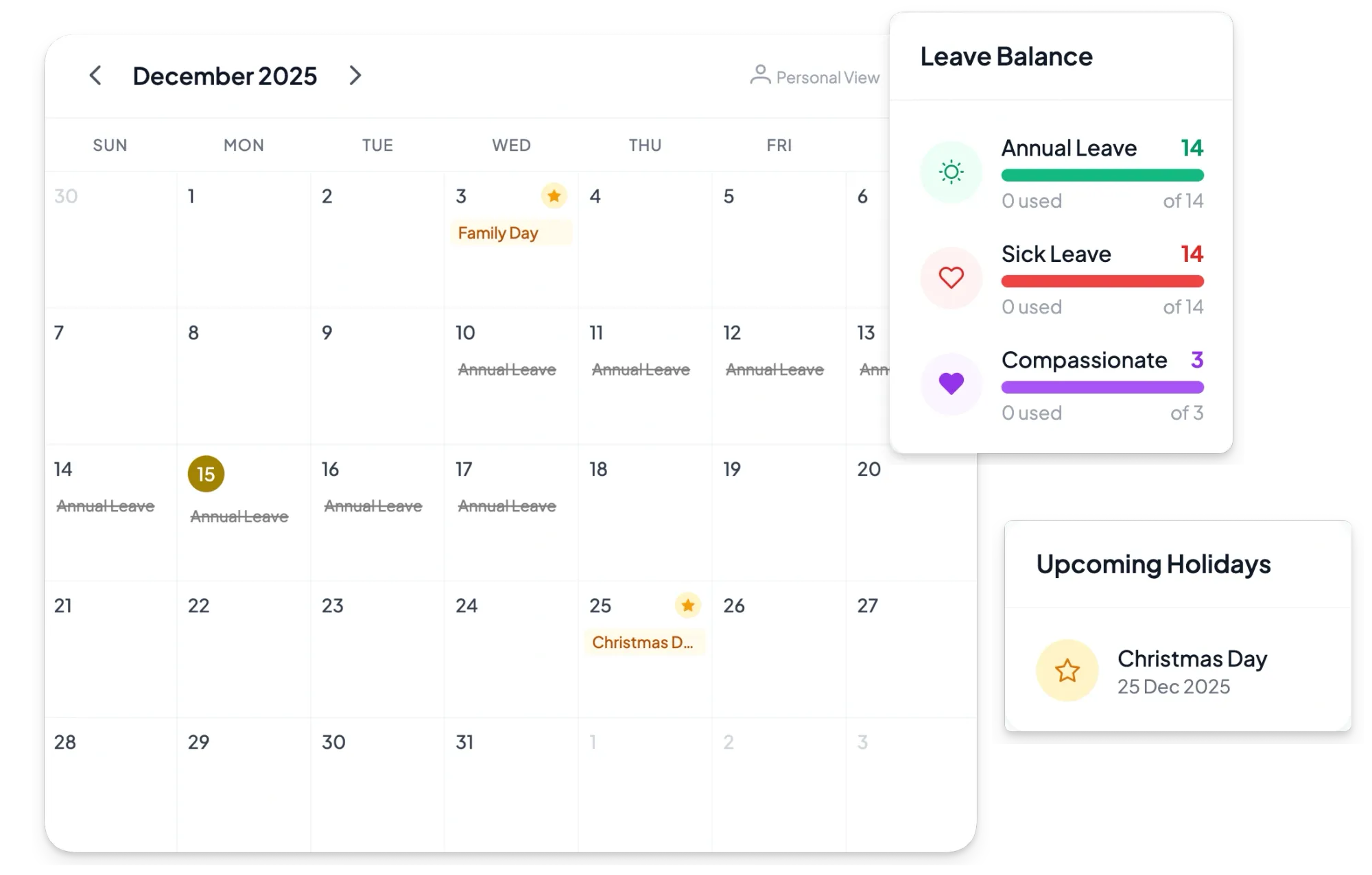
Instead of chasing updates across spreadsheets, chat threads, and inboxes, your team gets one shared calendar view for approved leave, public holidays, and availability. People can submit leave in seconds, managers can approve in one click, and balances/status stay updated automatically—so everyone knows who’s in, who’s out, and what needs coverage. We also support custom leave types and Google Calendar sync, so availability stays accurate where your team already plans meetings.
For day-to-day operations, Asa.Team pairs calendar visibility with attendance tracking: clock in/out from Microsoft Teams, Slack, Telegram, or web, with automatic timesheets, punctuality tracking, and amendment workflows built in. That means fewer “who’s covering this?” pings, cleaner handoffs before time off, and a clearer view of team capacity when deadlines are tight.